Avocet
Pixel-perfect SwiftUI implementation of a VPN utility app from a complete Figma design — 19 screens, full Dark Mode, adaptive layout for iPhone and iPad. Delivered in one day.
Turn a Figma file into a working iOS app
The client came with a fully designed Figma file — every screen, component, and state. Our job was to implement it as a native SwiftUI application with production-level code quality. No backend, no networking — pure UI/UX implementation ready for integration. Exact match with Figma, MVVM architecture, full Dark Mode, and adaptive layout for iPhone and iPad.
From Figma assets to production SwiftUI
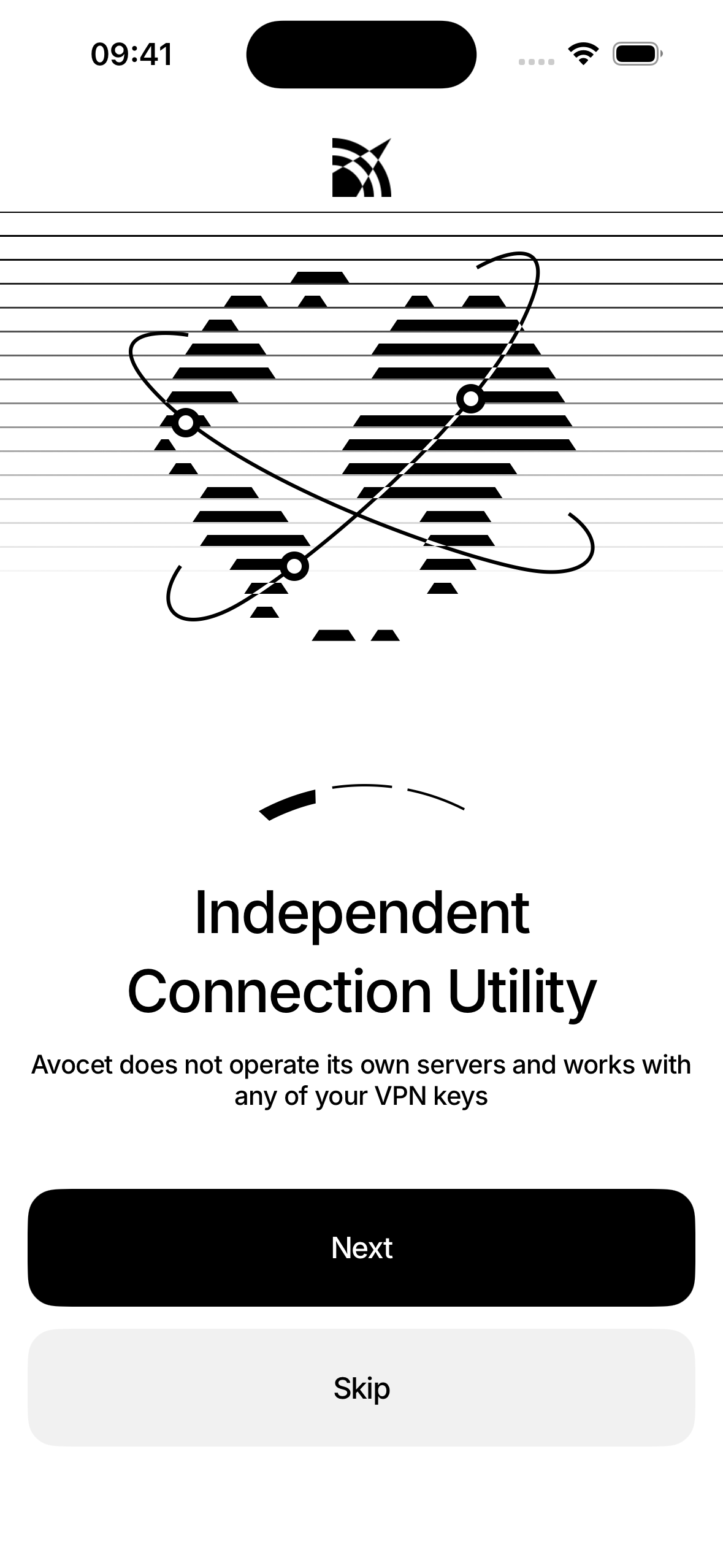
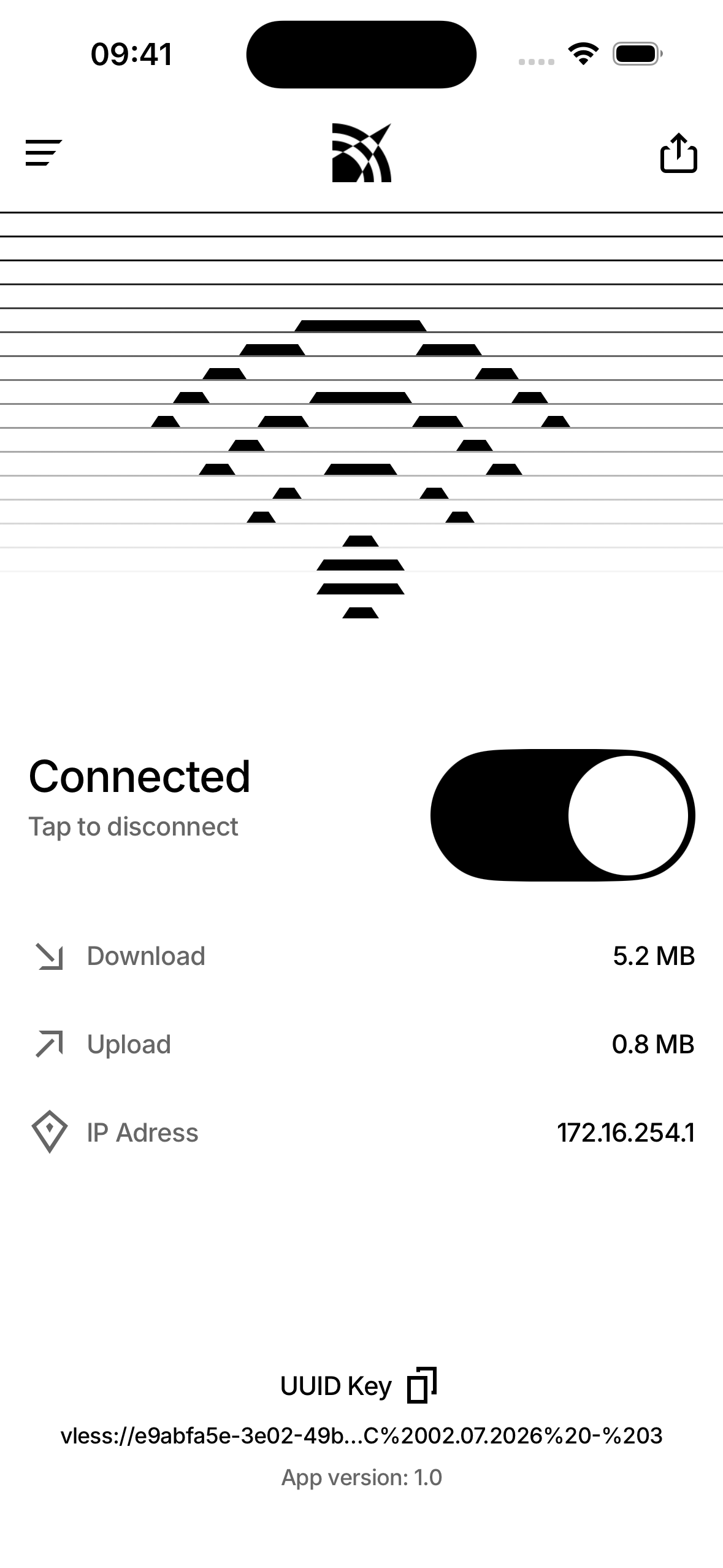
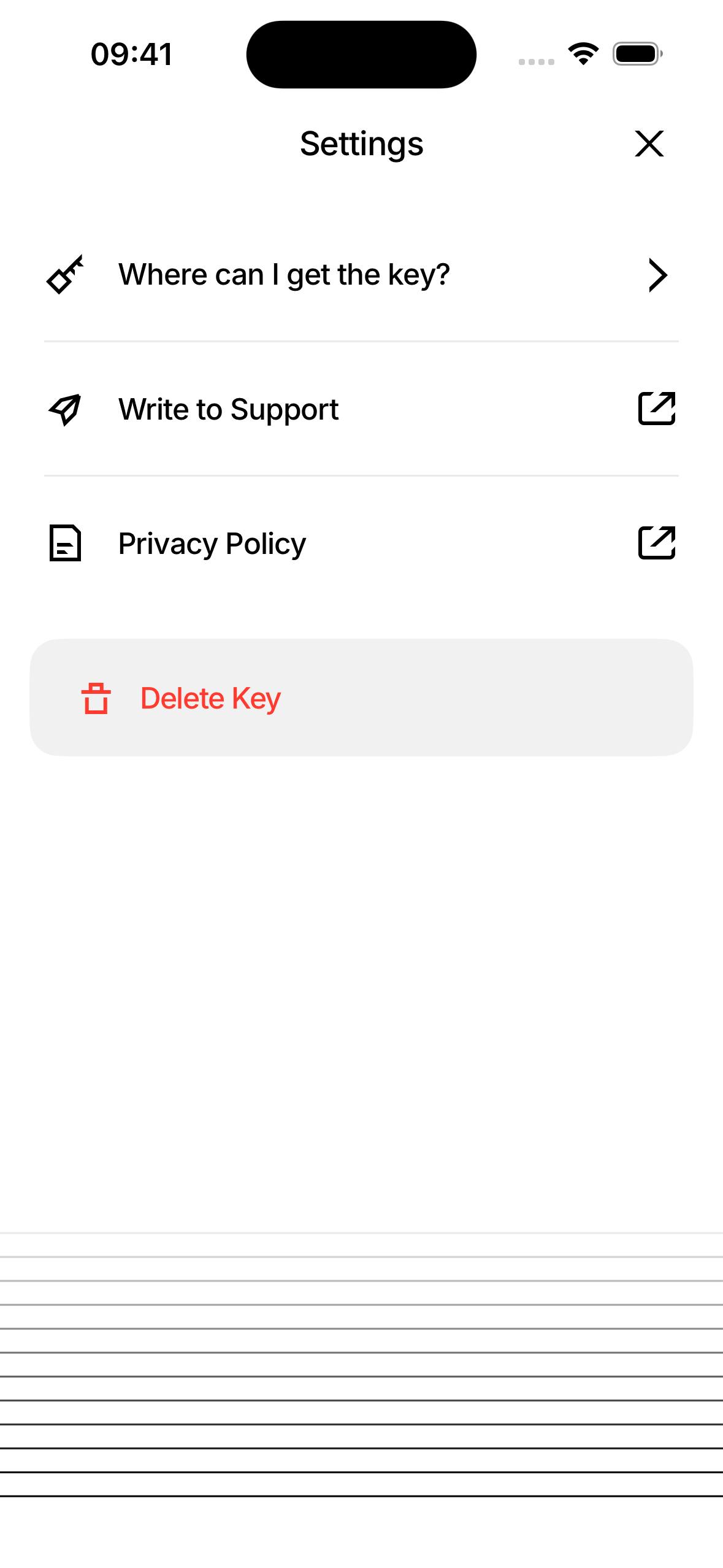
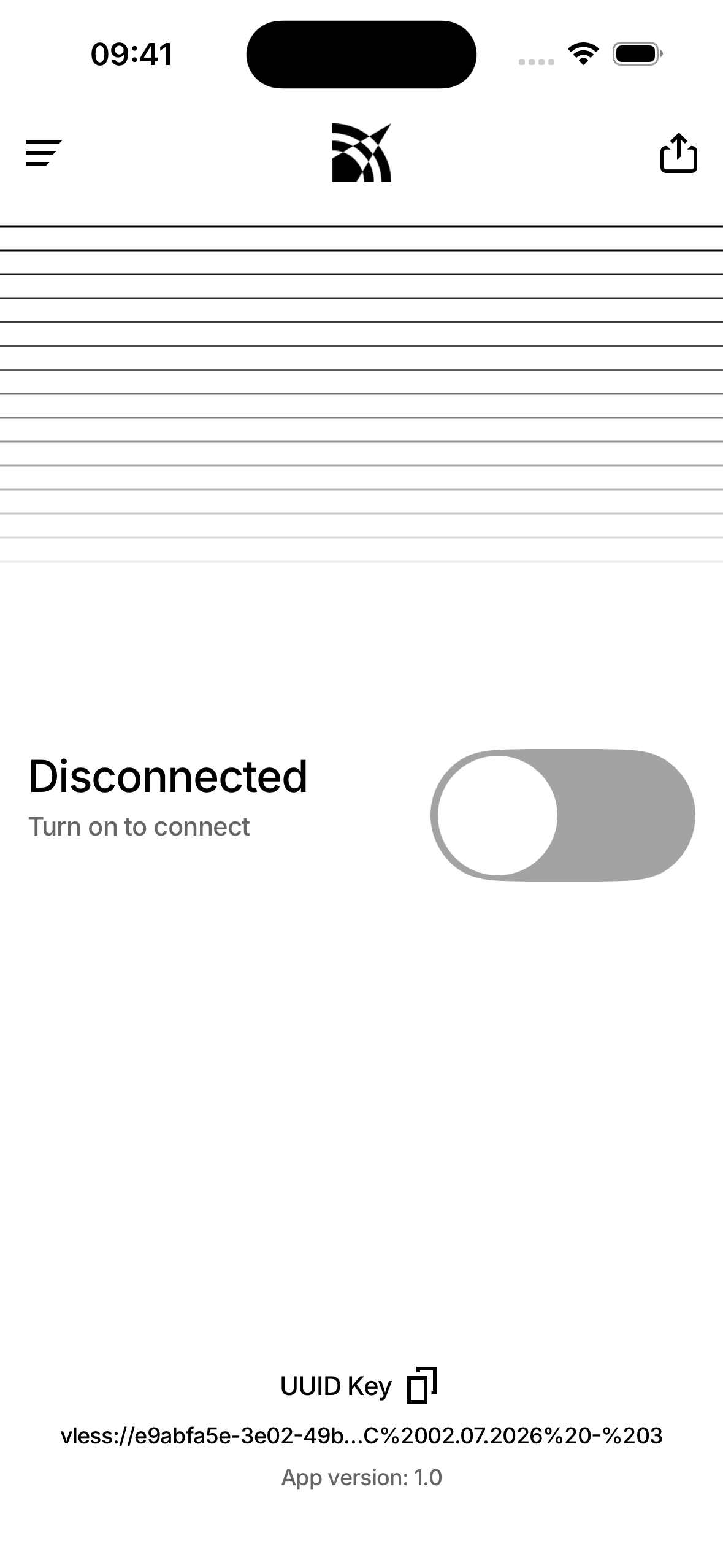
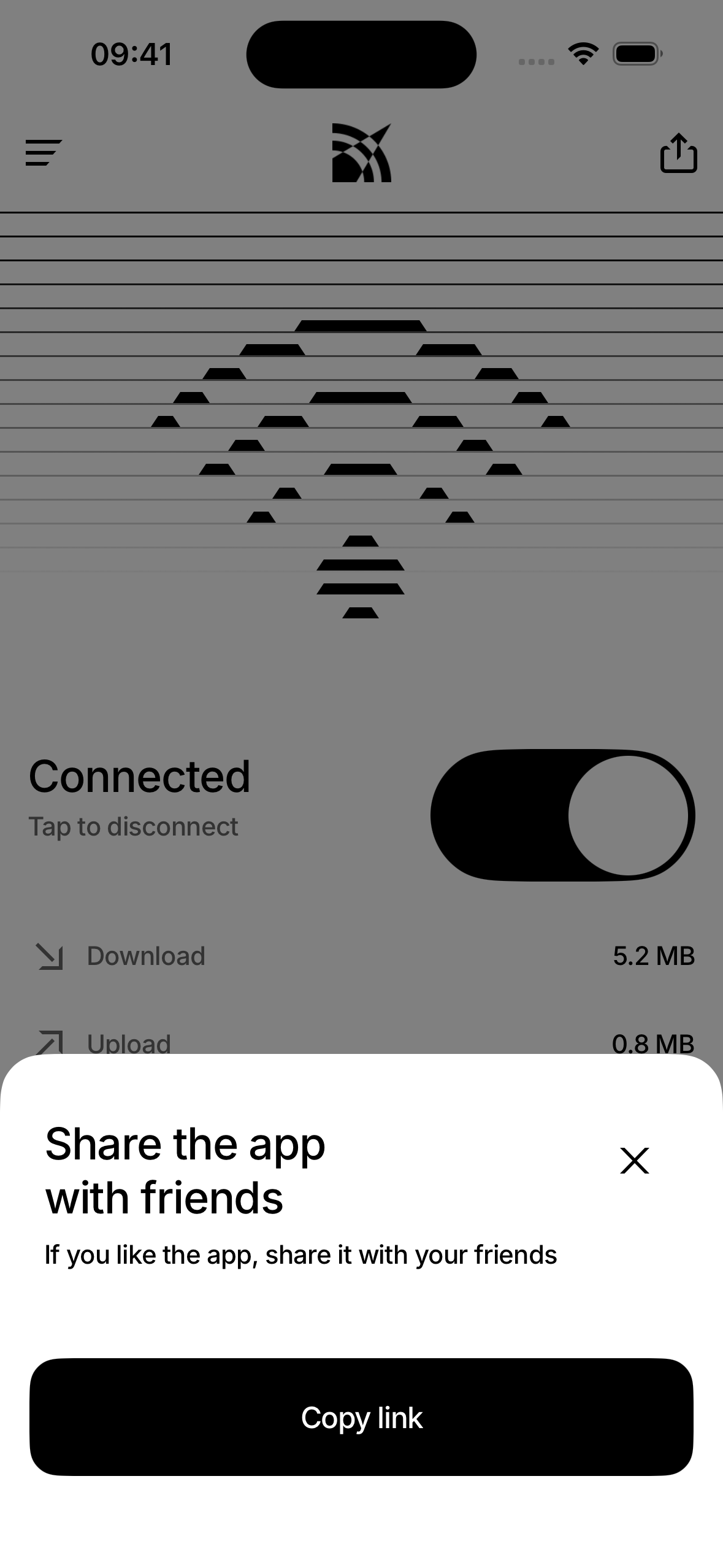
We extracted every asset from the Figma file — 21 custom SVG icons, 7 unique illustrations, logo variants, and the Inter font family. Each asset was placed into a structured Xcode asset catalog with correct rendering modes. Then we built the component library: buttons with all states, custom VPN toggle, hint banners (success, error, warning), modals, and navigation. Finally, all 19 screens were assembled from these components following exact layout coordinates.
Production-ready in one day
A complete, production-ready iOS UI layer — built in one day from a Figma file. Every screen matches the design pixel for pixel, the code follows MVVM with clean separation of concerns, every component has a SwiftUI Preview, and the entire app works in both light and dark themes. Zero third-party dependencies. Ready for backend integration.
Have a similar project in mind?
Let's discuss how we can help bring your vision to life.